An idea has been spreading over the years: “If the user experience is good enough, and the interface is intuitive, users won’t need technical documentation.”
The intention is understandable: we dream of intuitive, seamless, and easy-to-use products. Sometimes, browsing documentation to understand a feature feels frustrating, almost like a failure. Good UX reduces friction and helps users complete tasks faster.
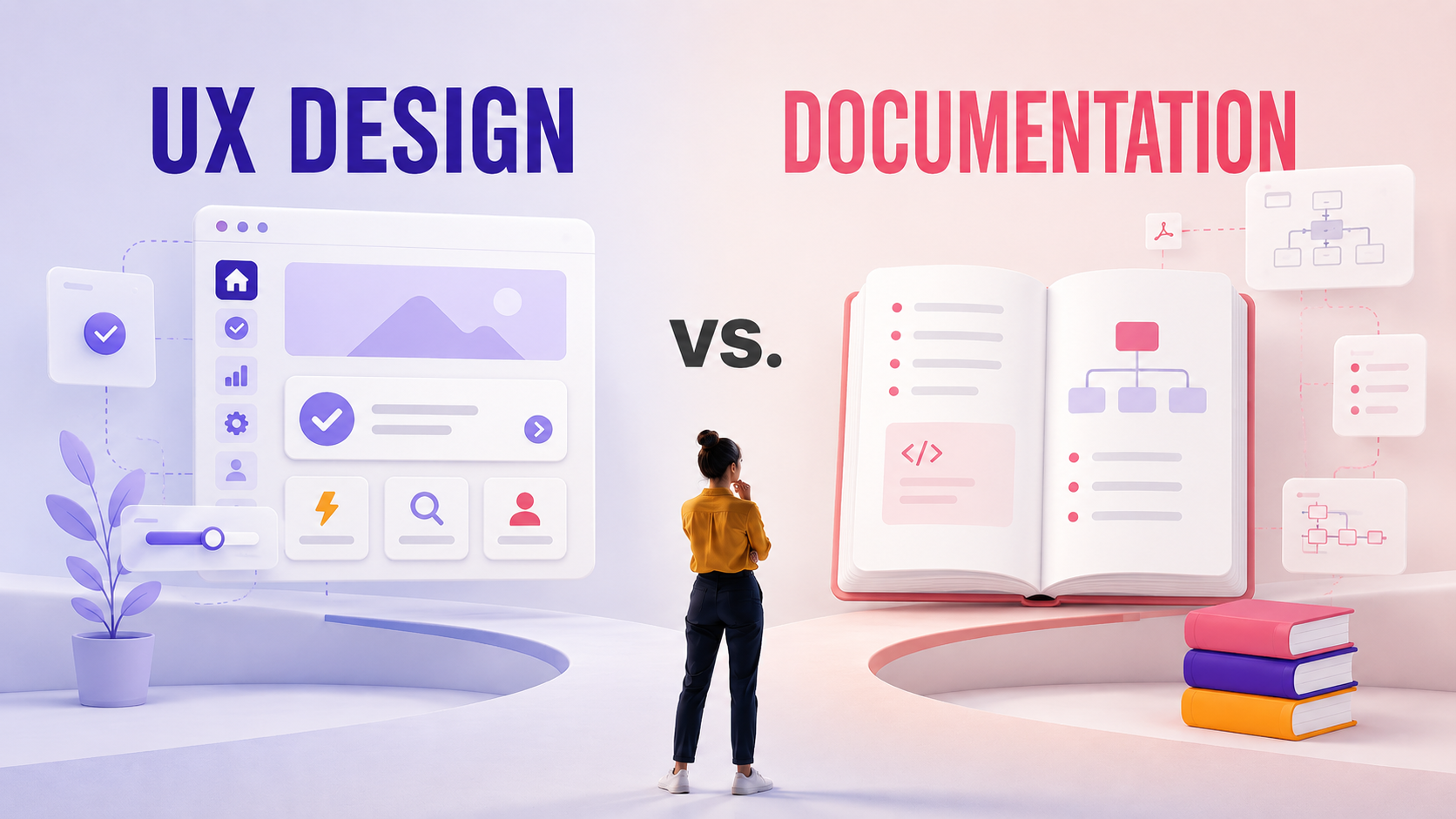
However, this mindset often creates a false opposition between UX and documentation, as if one should eventually replace the other. Both disciplines aim to solve the same challenge: helping users interact with complex systems. So would we put all our eggs in the same basket? And if so, which one?
UX to mitigate complexity
Good design can simplify experiences, but can it compensate for the complexity that naturally exists in many products? Modern systems involve business rules, APIs, integrations, and compliance requirements that still need to be learned and understood.
Users may perform basic tasks easily in a well-designed interface, but it does not automatically explain what processes exist and why, or what is the impact of a given action or a decision. Some complexity is inherent to the products and the domain they belong to, and is not a consequence of bad design.
For this reason, technical documentation remains essential, for both ad hoc troubleshooting and acquiring skill for the long term.
Reading documentation is not a failure for users
One of the most common misconceptions is that documentation is merely a backup for bad design, and that it would feel like a bad experience for the user as they would have “failed to do things intuitively”. In reality, users do far more than pressing buttons and following predefined workflows, and content provides far more than step-by-step instructions:
- onboarding new users, and giving them good habits to begin their journey
- troubleshooting issues, to lower support queries and empower users
- explaining concepts, and broaden the understanding of a domain to support innovation
- standardizing processes, to maximize collaboration and reduce inconsistency
- training teams, which boosts efficiency in the long run and prevents human mistakes
- supporting advanced use cases, to leverage product capabilities and accelerate user’s success
A user may understand where to click in an interface, but can hardly guess best practices or system behavior behind it. Documentation helps organizations preserve and scale knowledge, while being food for thought to users.
Take a product like an operating system: you may know instinctively how to run an application, change your desktop wallpaper, or adjust the speaker’s volume out of habits that you probably formed thanks to good interface design. But if you have to set up an IPsec VPN or join your PC to an Active Directory domain, chances are a bit of documentation will be appreciated despite wizards and field labels being very clear.
Design and content teams faced with the same challenges
Interestingly, UX and documentation teams often struggle with very similar challenges:
- information architecture
- discoverability
- terminology consistency
- cognitive overload
- user understanding
For example, poor navigation in a product creates the same type of frustration as poorly structured documentation. Inconsistent naming conventions confuse users both inside interfaces and inside manuals.
This overlap does not mean that UX and documentation are competing disciplines. Both are fundamentally concerned with helping users make the right action, with minimal effort. So instead of seeing each other as an opponent, why not work together?
How UX and content can (and should!) collaborate
The rise of AI assistants has renewed the idea that users may no longer need documentation. But AI systems need structured, reliable content to provide useful answers, and poor documentation leads to poor responses and guidance. In short, AI increases the importance of content quality and semantics rather than reducing it.
The balance between design and documentation is similar. Both teams hold valuable knowledge, either about user behavior and needs on one hand, or domain constraints and good practices on the other. Combining both together enables:
- intuitive interfaces
- contextual guidance
- structured documentation
- searchable knowledge systems
- intelligent assistance
Closer collaboration between designers and technical authors improves both product usability and information findability.
The UX team can, for example, contribute to documentation delivery: participate in document layout design, and help the authoring team design the reader’s journey to make sure information is in the right place. Designers are also best suited to tell the technical writers where the product’s interface comes to its limit and must be consolidated by written guidelines.
On the other hand, the documentation team can step in product design to work on terminology, and bring their vision of user experience based on their own knowledge of specific use cases and domain rules. Through writing procedures and making screenshots, pictures or diagrams of the interface, authors end up being very good at navigating between UI elements, and can spot inconsistencies or logical flaws.
Joint efforts to detect weak points in product clarity will always lead to positive evolutions, and more often than not, authors and designers are happy to work together as they share the same taste for information clarity, structured experience and user happiness.
Conclusion
UX and technical documentation are not competing solutions and shouldn’t be treated as such. They address different user needs in complementary ways, and become far more effective when combined. Good UX helps users navigate systems efficiently, while good documentation helps them understand, learn, and build confidence over time.
We should not evaluate a product’s quality only by how little documentation it requires, especially if we mix up basic procedure and advanced product knowledge. Good products integrate design and content into a unified experience that supports users’ eyes and mind. The best ones are built by designers, developers, and content specialists working together toward shared quality standards.
COMPONIZE
Newsletter
Get expert insights on structured content and stay ahead in technical documentation.
Sign up to our monthly newsletter !