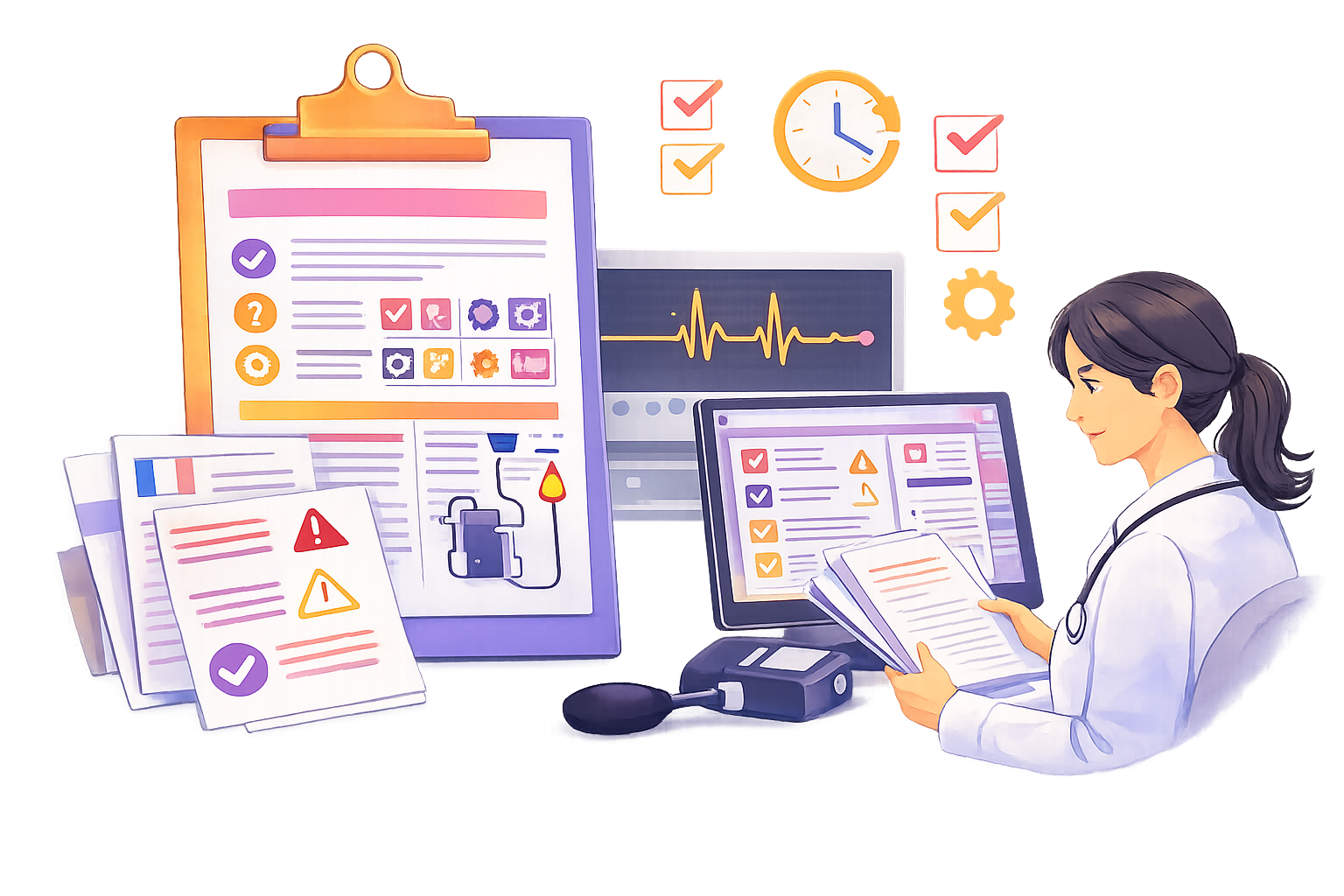
Producing structured content at scale, whether in industry, software or publishing, is never simple. Information is spread across many systems such as business tools, CMS and DMS platforms, technical databases, PLM systems and code repositories. Writers spend large amounts of time reformatting, copying, converting and checking, instead of focusing on writing. Every update becomes a chore, and the smallest mistake can undermine content consistency.
While everything around documentation teams becomes more automated, they often remain stuck in repetitive, manual and time-consuming processes. Yet these tasks can be automated without sacrificing control.
| Automation | Based on | |
|---|---|---|
| Apply automatic actions to content based on rules | Alfresco Folder Rules |  |
| Transform images | Alfresco Transformation/Rendition Engine |  |
| Process XML content, combining several steps and system actions | XProc pipelines |  |
| Interact with other systems in push or pull | REST APIs |  |
| Interact with other systems with standard content flow protocols | CMIS, WebDAV, SFTP |  |
| Manage business processes | Workflows with automated tasks (Java or JavaScript) |  |
| Implement CI/CD | Maven integration |  |
| Access data systems at the lowest level | Componize Virtual File System |  |
When data no longer keeps pace
In complex organizations, documentation often falls behind. Business data continues to evolve, but the documentation does not follow at the same rhythm. This leads to inconsistencies, long update cycles and validation processes that stretch for weeks.
In regulated sectors, this slowdown can even introduce risk. Versions drift apart, essential evidence becomes harder to track, and traceability weakens.
Visuel : capture du flux documentaire avec workflow.
A new dynamic with Componize
Componize brings fluidity back into the documentation lifecycle. Its automation engine connects your systems, orchestrates transformations and triggers the right actions at the right time. Repetitive tasks disappear and consistency becomes the natural outcome.
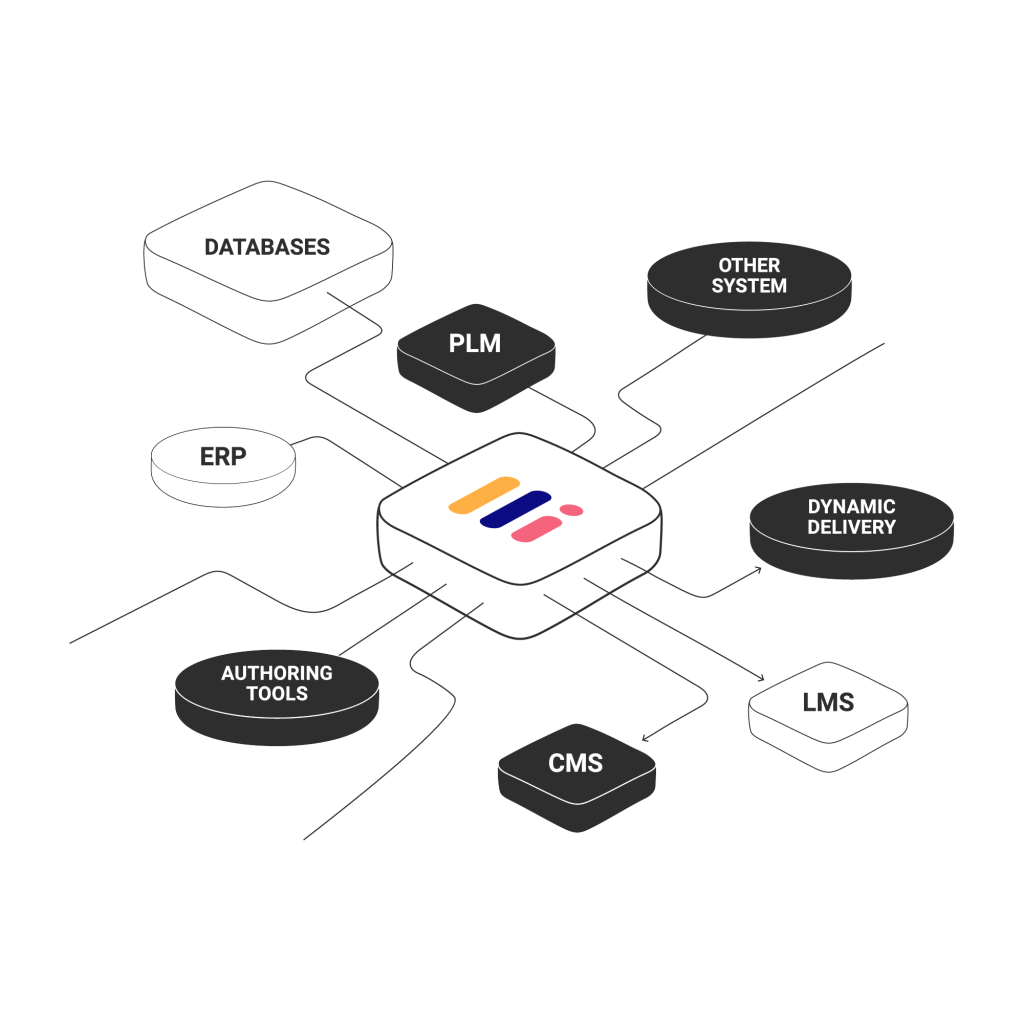
Open APIs, content rules and XML pipelines work together to perform conversions, updates and publications automatically. Teams remain fully in control, yet no longer lose time on technical steps. Automations can even be chained to create powerful, end-to-end workflows.
Concrete automation examples
Importing source code becomes effortless when new modules are automatically retrieved from the repository and transformed into DITA topics.
Images can be standardized without manual work, as Componize detects screenshots, resizes them and updates every reference throughout the documentation.
TOPSOLID, a global leader in CAD/CAM software, needed a dependable way to keep more than 15,000+ UI icons aligned with their documentation. By combining Componize CCMS, Alfresco and a small PowerShell script, their team set up a fully automated process that synchronizes icons directly from the development repositories, converts them, updates them when needed and makes them immediately reusable in DITA. This automation saves days of effort during each release cycle and ensures that writers always work with accurate, up-to-date visuals. If you’d like to see everything that can be automated, you can explore our Automation Overview.
Word documents can be converted into DITA without reformatting, since styles are recognized and mapped automatically.
Workflows such as reviews, translations and validations can be coordinated with complete traceability.
Documentation can be generated directly from PLM data, removing the need for copying and pasting.
At the end of a review, a detailed report showing who changed what and when can be created and archived automatically.
Benefits
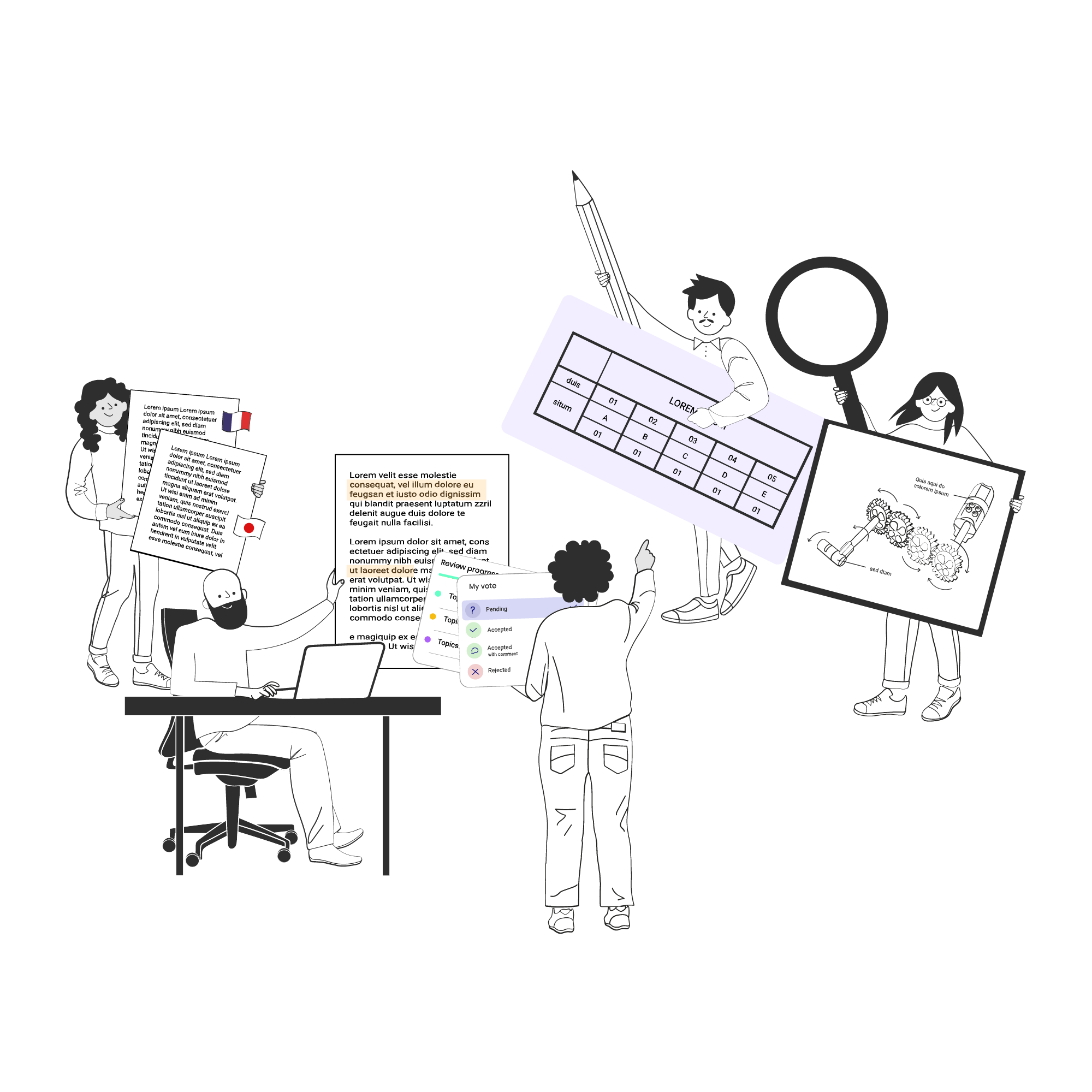
Automation transforms how teams work. It reduces errors, accelerates production and frees time for higher-value tasks. Content remains consistent and traceable, even when business systems evolve. Writers can finally focus on clarity, accuracy and the usefulness of the information they deliver.
In summary
Automating documentation is not only about producing faster. It is about giving teams the freedom to focus on what matters while ensuring information remains accurate, current and compliant. Componize turns documentation into a living, integrated and well-managed process.
COMPONIZE
Newsletter
Get expert insights on structured content and stay ahead in technical documentation.
Sign up to our monthly newsletter !